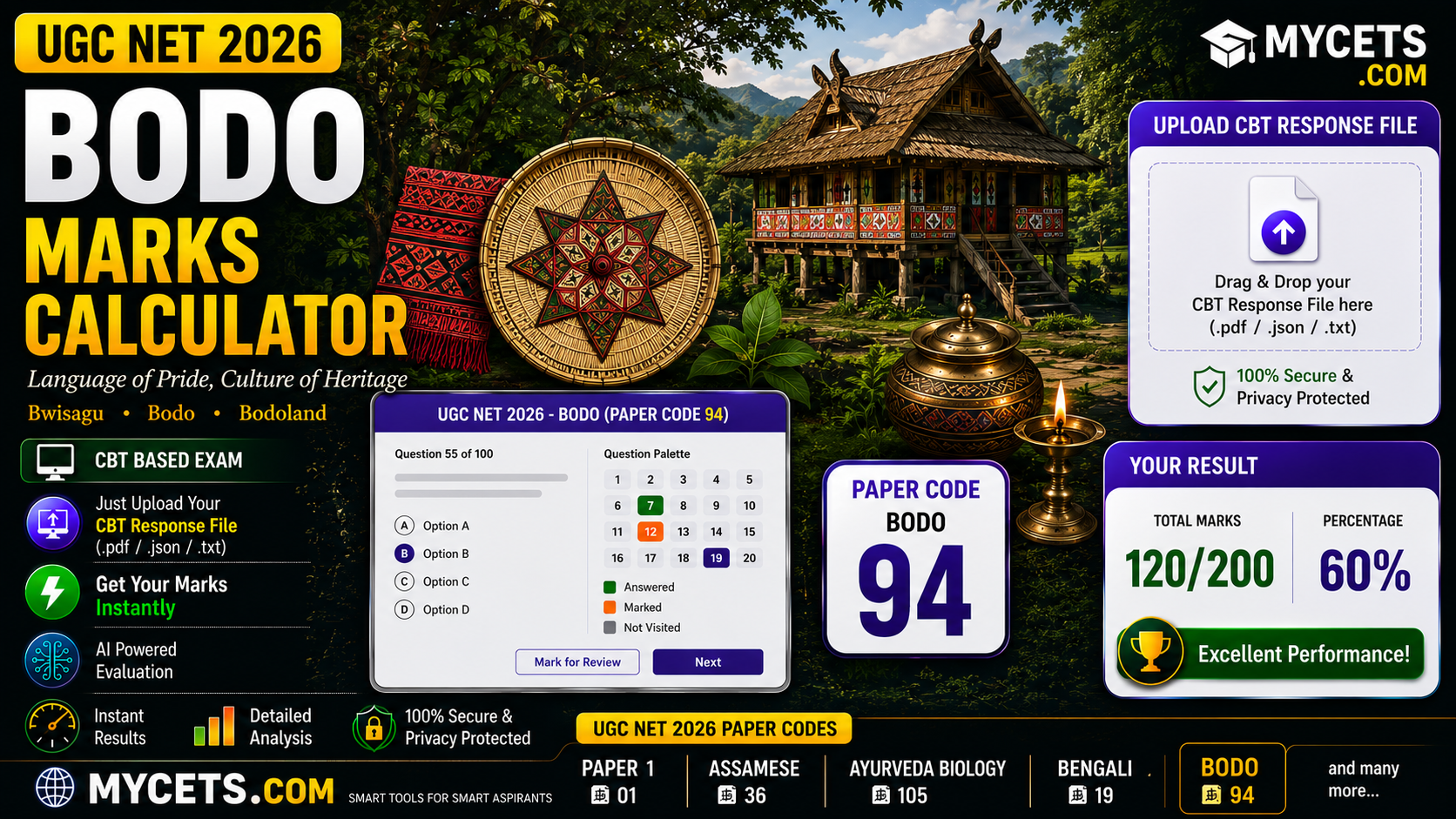
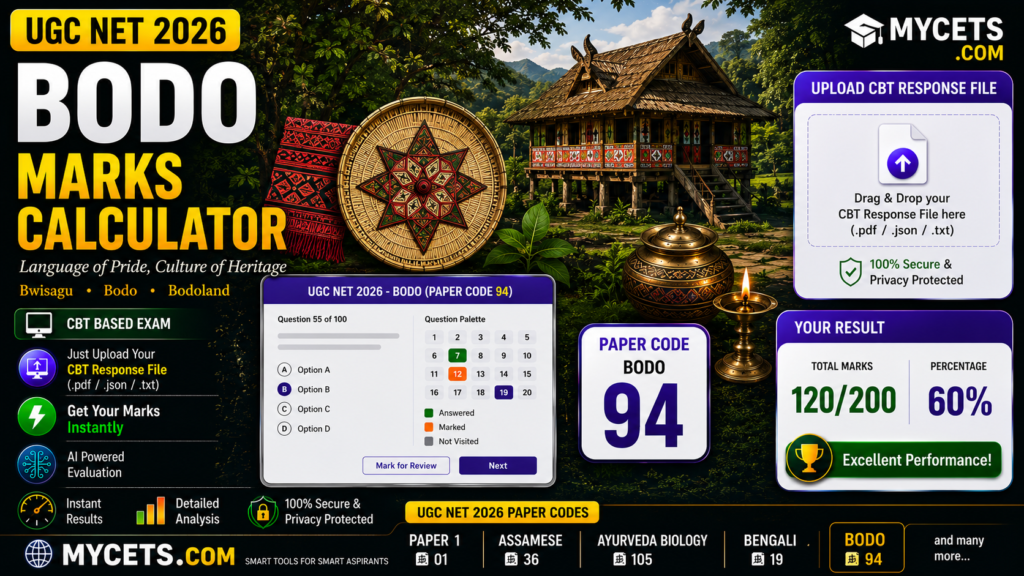
Free UGC NET Bodo marks calculator. Upload your response sheet and instantly see your score against the official answer key.
UGC NET Bodo Marks Calculator: Check Your Score in Seconds
If you’ve just finished your UGC NET Bodo (subject code 94) paper and are staring at a response sheet PDF wondering where to even start counting, skip the manual work. Upload your response sheet below and get your score automatically.
UGC NET 2026 Answer Key Calculator
Upload your official response sheet. It's checked against the released answer key right in your browser — nothing is uploaded anywhere.
| # | Question ID | Your Answer | Correct Answer | Result |
|---|
How It Works
- Log in at ugcnet.nta.nic.in and download your Bodo response sheet once it’s released for your session
- Upload the PDF to the calculator above
- Click Analyze — your score, along with a correct/wrong/unattempted breakdown, appears instantly
The Marking Formula
Total Marks = (Correct in Paper 1 × 2) + (Correct in Paper 2 × 2)
- Correct: +2 marks
- Wrong: 0 marks — UGC NET has no negative marking
- Dropped question: full marks awarded to everyone who attempted it
Paper 2 typically carries 100 questions worth 200 marks, added to Paper 1’s 100 marks, for a total of 300.
Why Hand-Counting Goes Wrong
Response sheets across every UGC NET subject list questions by an internal Question ID, not a clean serial number — and Bodo is no exception. A handful of IDs often get skipped between shifts, which means lining your response sheet up against the wrong row of the answer key is easy to do and hard to notice until your final total looks off. This calculator sidesteps the issue entirely by matching every answer to its actual Question ID.
Getting Your Response Sheet
- Visit ugcnet.nta.nic.in
- Open the response sheet / answer key section once live for your session
- Log in with your Application Number, DOB or password, and the security PIN
- Download your question paper, response sheet, and provisional key promptly — NTA usually removes access within 2–3 days
Objecting to an Answer
- 4-day objection window from the day the provisional key is published
- ₹200 per question, non-refundable, paid online
- Support your challenge with a standard Bodo grammar or literature reference
- Only the provisional key accepts objections — the final key does not
Qualifying Marks
- General category: 40% aggregate across both papers
- Reserved categories: 35% aggregate
- JRF: a higher, subject-specific cutoff announced with the final result
What UGC NET Bodo Covers
Meant for candidates with a postgraduate degree in Bodo language and literature, the paper typically spans the history and development of Bodo literature, folk literature and oral traditions, grammar and script, and modern literary movements within the language. Check the official syllabus PDF on ugcnet.nta.nic.in for this session’s exact weightage.
FAQs
Q: How do I calculate my UGC NET Bodo marks?
Upload your response sheet PDF to the calculator above for an instant, automatic score.
Q: Is this calculator free?
Yes, no login or signup needed.
Q: Is there negative marking in UGC NET Bodo?
No, wrong answers score zero.
Q: What’s the minimum qualifying score?
40% aggregate for General category, 35% for Reserved categories.