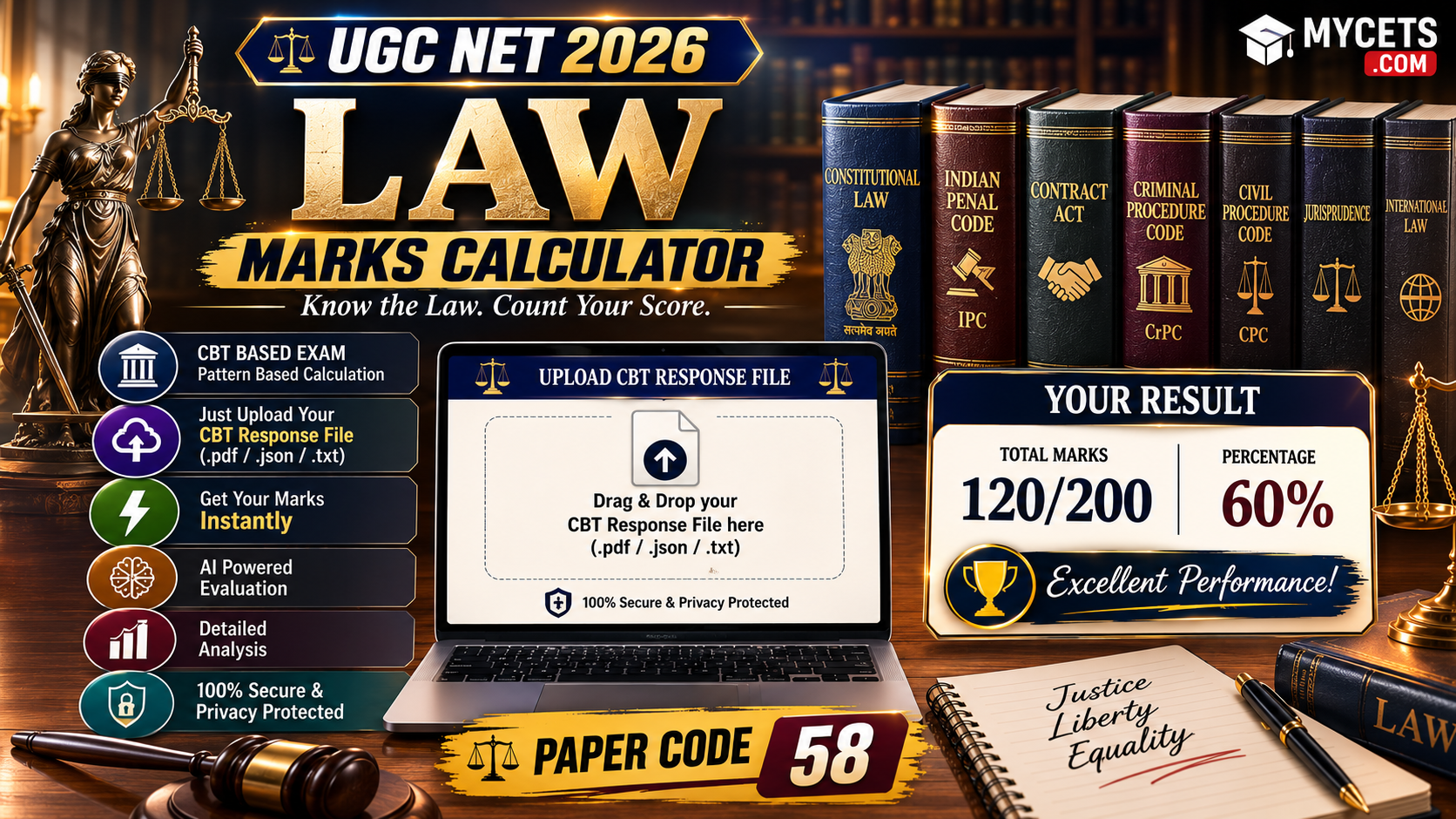
Free UGC NET Law marks calculator subject code 058. Upload your response sheet and instantly see your score against the official answer key.
UGC NET Law Marks Calculator: Calculate Your Score Instantly
Manually flipping between your response sheet PDF and the answer key PDF, question by question, is exactly how people lose track and miscount. This free UGC NET Law Marks Calculator does that matching for you automatically — upload your response sheet, and get your score in seconds.
UGC NET 2026 Answer Key Calculator
Upload your official response sheet. It's checked against the released answer key right in your browser — nothing is uploaded anywhere.
| # | Question ID | Your Answer | Correct Answer | Result |
|---|
(No login, no signup. Everything runs on your own device — your response sheet is never uploaded anywhere.)
How to Calculate Your UGC NET Law Marks — Step by Step
- Download your response sheet. Log in at ugcnet.nta.nic.in with your application number and date of birth/password, and download your Law (subject code 058) response sheet PDF once NTA activates it.
- Upload it to the calculator above. Click the upload box, select your response sheet PDF.
- Click “Analyze My Response Sheet.” The tool reads every question you were asked, what you answered, and compares it against the official Law answer key.
- Get your instant breakdown — total score, how many you got right, how many wrong, how many you left unattempted, and a full question-by-question table.
That’s the entire process. No spreadsheet, no manual tally marks, no double-checking your own arithmetic.
How Are UGC NET Marks Actually Calculated?
The formula NTA uses is straightforward, and it’s exactly what this calculator applies automatically:
Total Marks = (Correct answers in Paper 1 × 2) + (Correct answers in Paper 2 × 2)
- Every correct answer: +2 marks
- Every wrong answer: 0 marks (UGC NET has no negative marking, so guessing costs you nothing but a missed opportunity)
- A question NTA later drops from the key: full marks awarded to everyone who attempted it
Law’s Paper 2 typically carries 100 questions worth 200 marks, added to the common Paper 1’s 100 marks — 300 total. NTA computes your raw score this way first, then normalizes it into a percentile if the exam ran across multiple shifts, before applying category-wise cutoffs to decide qualification.
Why Not Just Count It Yourself?
You certainly can — but here’s where manual counting typically goes wrong for Law specifically:
- Question IDs in the response sheet don’t run in a clean 1–150 sequence (some IDs get skipped or reused across shifts), so it’s easy to match the wrong row
- Comprehension-based questions are grouped separately from the main paper, and it’s easy to lose count switching between sections
- Multi-correct questions (where NTA accepts more than one right option due to ambiguity) get missed entirely in manual tallying, silently costing you marks you actually earned
The calculator above matches every question by its actual Question ID rather than its position on the page, so none of that trips it up.
Downloading Your Response Sheet & Answer Key
- Visit ugcnet.nta.nic.in
- Click the “Display of Question Papers and Recorded Responses along with Answer Key” link once live for your session
- Log in with your Application Number and Date of Birth or password
- Enter the security PIN
- Download your Law question paper, response sheet, and the provisional answer key — save all three, as NTA typically removes access after 2–3 days
Raising an Objection If You Disagree With an Answer
- Objection window: 4 days from the day the provisional key is published
- Fee: ₹200 per question, non-refundable, paid via card/net banking/UPI
- Cite a bare act section, textbook, or case law reference to support your challenge
- Only the provisional key can be challenged — the final key is not open to objections
Qualifying Marks for UGC NET Law
- General category: 40% aggregate across both papers
- Reserved categories: 35% aggregate across both papers
- JRF cutoff: typically higher, announced subject-wise with the final result
What UGC NET Law (Paper 2) Actually Covers
Law is meant for candidates holding an LL.M. or equivalent postgraduate law degree. Recent cycles have consistently drawn from jurisprudence, constitutional law, law of crimes, law of torts, family law, international law, human rights law, intellectual property law, environmental law, and labour law. Check the official syllabus PDF on ugcnet.nta.nic.in for this session’s exact unit-wise weightage.
FAQs
Q: How do I calculate my UGC NET Law marks?
Upload your response sheet PDF to the calculator on this page. It automatically matches your answers against the official key and shows your score — no manual counting required.
Q: Is this UGC NET Law marks calculator free?
Yes, completely free, with no login or signup, and it runs entirely in your browser.
Q: Does the calculator work before the official result is declared?
Yes — as soon as NTA releases the provisional or final answer key and your response sheet is available, you can calculate your probable score immediately.
Q: Is there negative marking in UGC NET Law?
No. Wrong answers score zero; they don’t reduce your total.
Q: What if my response sheet shows a question the calculator can’t match?
The tool will flag any unmatched questions at the end of your results — this can happen if the answer key data hasn’t been updated for your exact session yet.