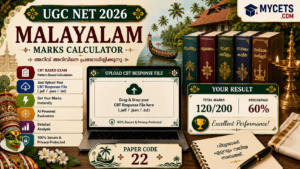
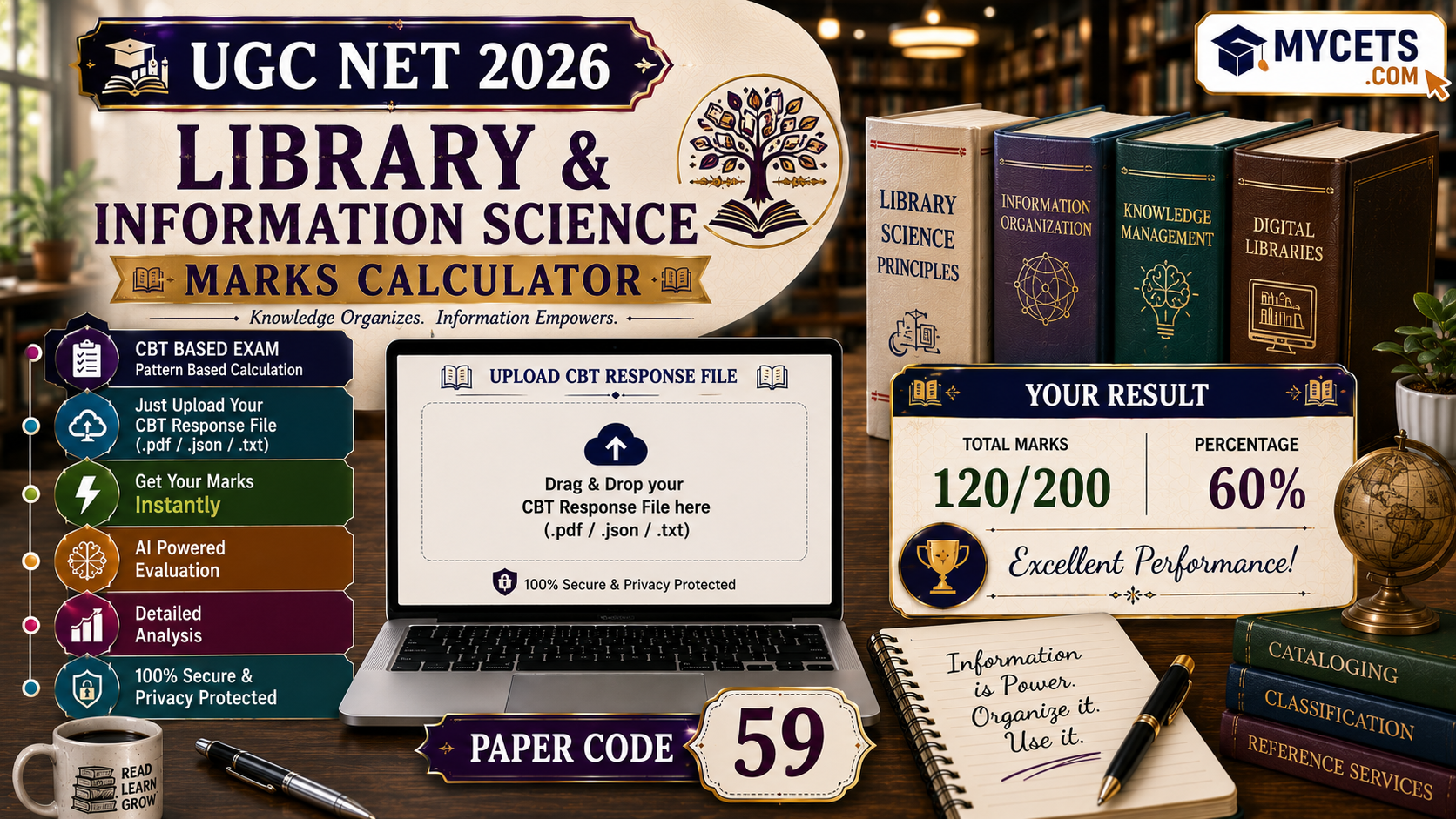
Free UGC NET Library and Information Science marks calculator subject code 59. Upload your response sheet and get your score instantly.
UGC NET Library and Information Science Marks Calculator
Rather than manually matching your Library and Information Science (subject code 59) response sheet against the answer key, upload your response sheet here — the calculator checks every answer automatically and gives you your score in seconds.
UGC NET 2026 Answer Key Calculator
Upload your official response sheet. It's checked against the released answer key right in your browser — nothing is uploaded anywhere.
| # | Question ID | Your Answer | Correct Answer | Result |
|---|
How It Works
- Download your response sheet from ugcnet.nta.nic.in once released for your session
- Upload the PDF to the calculator above
- Click Analyze to see your total score and a full correct/wrong/unattempted breakdown
The Marking Formula
Total Marks = (Correct in Paper 1 × 2) + (Correct in Paper 2 × 2)
- Correct: +2 marks
- Wrong: 0 marks — no negative marking in UGC NET
- Dropped question: full marks for everyone who attempted it
Paper 2 typically has 100 questions worth 200 marks, added to Paper 1’s 100 marks, for 300 total.
Downloading Your Response Sheet
- Go to ugcnet.nta.nic.in
- Open the response sheet / answer key link once activated
- Log in with your Application Number, DOB or password, and the security PIN
- Download your question paper, response sheet, and provisional key — do this quickly, as access is typically removed within 2–3 days
Raising an Objection
- 4-day window from the day the provisional key is published
- ₹200 per question, non-refundable
- Support your challenge with a citation from a recognised library science textbook or standard classification/cataloguing reference
- The final key cannot be challenged
Qualifying Marks
- General category: 40% aggregate across both papers
- Reserved categories: 35% aggregate
- JRF: higher, announced subject-wise with the final result
What UGC NET Library and Information Science Covers
For candidates with a postgraduate degree (MLIS or equivalent), the paper typically spans library classification and cataloguing systems, information sources and services, library management and administration, ICT applications and digital libraries, and research methods in library science. Check the official syllabus PDF for the exact unit weightage this session.
FAQs
Q: How do I calculate my UGC NET Library Science marks?
Upload your response sheet PDF to the calculator above for an instant, automatic score.
Q: Is the calculator free?
Yes, no login or signup required.
Q: Is there negative marking?
No, wrong answers score zero.
Q: What score do I need to qualify?
40% aggregate for General category, 35% for Reserved categories.